
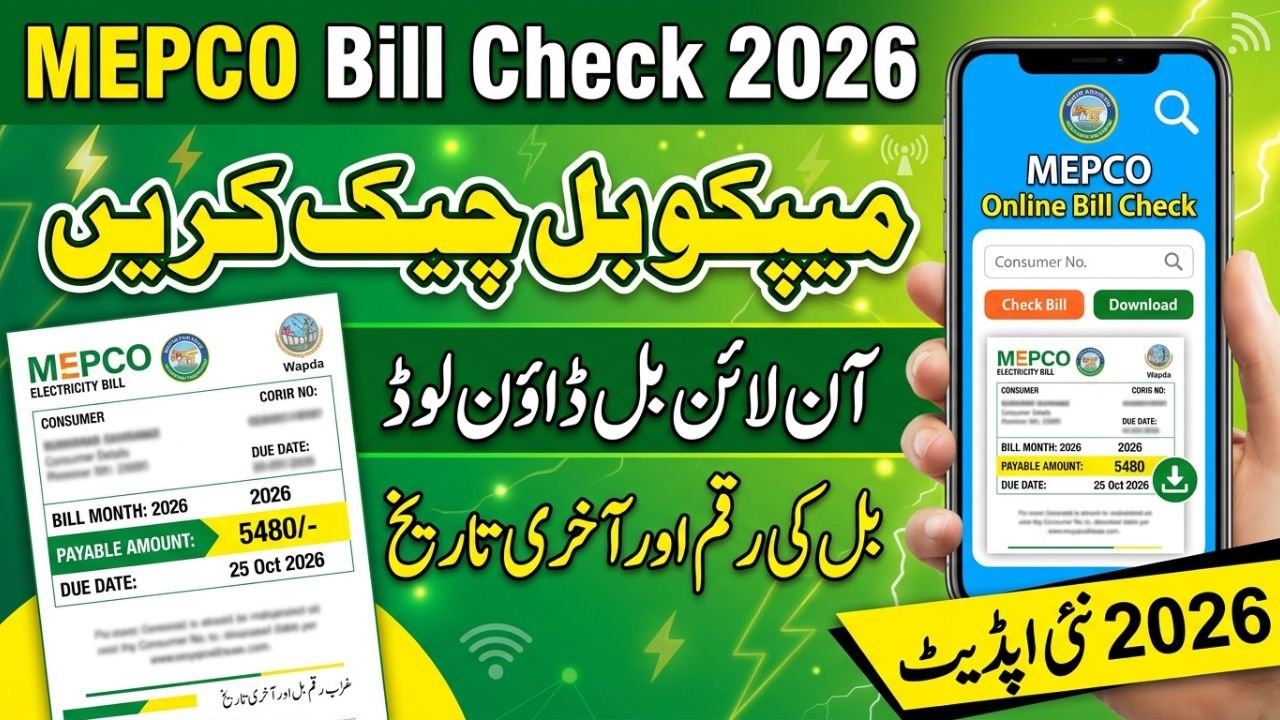
MEPCO Bill Check Online 2026 – Duplicate Bill PDF, Amount & Due Date
MEPCO Bill Check Online
If you want to check your MEPCO bill online in 2026, you can use the official online billing system to view your latest electricity bill, confirm the amount payable, check the due date, and print or save a duplicate copy. The process is helpful when your paper bill has not arrived, you need to confirm your monthly charges, or you want to keep a digital record before making a payment.
MEPCO stands for Multan Electric Power Company, which distributes electricity across Multan and other areas of southern Punjab. Consumers can use their previous electricity bill to find the reference number required for an online search. This guide explains how to complete a MEPCO bill check, download a duplicate bill, understand the main bill details, and check whether a payment has been recorded.
MEPCO Online Bill Check 2026 – Official Website
The easiest way to check your electricity bill is to open the official MEPCO billing page and enter the required connection details.
Official MEPCO bill portal: https://bill.pitc.com.pk/mepcobill
Follow these steps to complete your MEPCO online bill check:
- Open the official MEPCO bill portal in your browser.
- Find the reference number printed on a previous MEPCO electricity bill.
- Select the reference-number option and enter the required digits in the correct field.
- Complete any additional verification requested by the portal and select the search option.
- Review the bill displayed on the screen, including the billing month, units consumed, amount payable, and due date.
- If you need a paper copy, use the print option or save the bill as a PDF through your browser.
You generally do not need to create a separate account simply to look up a bill through the public billing page. However, the available options may change, and the official portal should be used to confirm the latest information.
Also Read ; STI Jobs 2026 Online Apply
How to Check a MEPCO Bill by Reference Number
The reference number is one of the most important details on your electricity bill because it helps identify the connection in the billing system. If you want to check a MEPCO bill by reference number, take an older bill and locate the section labelled “Reference No.” near the top of the document.
Enter the number exactly as requested on the official portal. Do not confuse it with the customer ID, meter number, or another number printed on the bill. If the website asks for an additional letter or billing-area selection, follow the instructions displayed on that page.
Once the correct information is submitted, you can review the available bill details. Keep your reference number somewhere secure so you can use it again when the next monthly bill is issued.
MEPCO Bill Check Online by Customer ID or CNIC
Many consumers search for MEPCO bill check by customer ID because their old bill contains several identification numbers. Some bill-checking systems support a customer ID, while others may primarily use the reference number. Always check which option is available on the official portal before entering your details.
A CNIC is different from a reference number. The official public bill lookup may not offer a direct CNIC search, so do not assume that entering your identity number will automatically display your bill. If you have lost your previous bill and cannot find the required reference number, contact MEPCO customer service for assistance.
For privacy, avoid entering your CNIC, account credentials, or other sensitive information on an unfamiliar website that claims to provide instant bill details.
MEPCO Duplicate Bill Online – Download and Print
A MEPCO duplicate bill is an additional copy of your issued electricity bill. It is useful when the original paper bill is missing, damaged, delayed, or needed for your personal records.
To get a MEPCO duplicate bill online, open the official billing portal, enter your connection details, and retrieve the available bill. When it appears, use the browser’s print command to print it or select “Save as PDF” to keep a digital copy on your computer or mobile phone.
Before printing, check that the name or connection details, billing month, reference number, and payable amount match your intended account. A duplicate copy helps you read the charges and payment deadline, but it does not mean that the bill has already been paid.
MEPCO Bill Download and PDF Printing on Mobile
You can usually download or print your MEPCO online bill using a mobile browser without installing a separate application. After opening the bill, look for a download or print option. If the portal does not show a download button, use the browser’s print feature and choose the PDF-saving option if your device supports it.
Save the file with a clear name that includes the billing month, such as “MEPCO Bill October 2026.” This makes it easier to find the document later when checking your previous charges or confirming a payment.
If the bill does not open, first check your internet connection and confirm that the reference number is correct. You can also try again later if the latest bill has not yet appeared in the system.
MEPCO Bill Payment Status – How to Check Paid or Unpaid Bill
Consumers often want to know whether a recently paid bill has been updated in the billing system. To check your MEPCO bill payment status, review the latest information available through the official billing system and compare it with your payment receipt.
If you paid through a bank, ATM, mobile wallet, or another authorised payment channel, keep the transaction confirmation until the payment is reflected correctly. A successful transaction receipt is important evidence that you initiated or completed the payment, even if the online bill record has not updated immediately.
If the bill still appears unpaid after a reasonable processing period, contact your payment provider or MEPCO customer service. Provide the reference number, payment date, amount, and transaction ID when requested. Do not pay the same bill a second time without checking the transaction status first.
Understanding Your MEPCO Electricity Bill
Your electricity bill contains more than the amount charged for the units consumed during the month. It may also include applicable taxes, government-approved adjustments, fixed charges, arrears, and other items depending on your consumer category and the rules in effect for that billing period.
| Bill detail | What it means |
|---|---|
| Reference number | Identifies the electricity connection for bill lookup and payment |
| Billing month | Shows the period covered by the issued bill |
| Units consumed | Electricity used during the billing period, measured in kWh |
| Meter readings | Previous and current readings used to calculate consumption |
| Current charges | Charges calculated for the present billing period |
| Taxes and adjustments | Applicable taxes, surcharges, or approved adjustments |
| Previous arrears | Outstanding amounts carried forward, if any |
| Due date | The date by which payment should be made to avoid applicable late charges |
| Amount payable | The total amount due according to the bill and its payment conditions |
The exact amount depends on your consumption, tariff category, applicable rates, adjustments, and taxes. For this reason, two households using different numbers of units may receive different bills even when both connections are supplied by MEPCO.
MEPCO Bill 2025 vs 2026 – What Has Changed?
The basic method of checking an electricity bill online remains similar: consumers use their connection details to retrieve the issued bill, review the amount, and print or save a copy. The main distinction between the 2025 and 2026 guides is the billing period and the need to check the latest information rather than rely on an older bill.
| Detail | 2025 billing reference | 2026 billing reference |
|---|---|---|
| Online bill lookup | Available through the online billing system | Continue using the official portal for the latest issued bill |
| Duplicate bill | Used when the original paper copy is missing | Can be retrieved for printing or digital records when available |
| Bill amount | Based on the applicable tariff and charges for that period | Depends on the tariff and charges applicable to the current bill |
| Due date | Printed on the individual bill | Check the due date printed on the latest issued bill |
| Taxes and adjustments | Depend on the rules and rates applicable at that time | Verify the current bill and relevant official notifications |
| Payment confirmation | Retain the payment receipt | Continue keeping the receipt until the payment is reflected correctly |
This comparison explains the practical difference without assuming that every consumer received a particular rate reduction, increase, subsidy, or new charge in 2026. Historical and current electricity rates must be checked against the relevant official notifications and the consumer’s actual bill.
What to Do If Your MEPCO Bill Is Not Showing
Sometimes a current bill may not appear immediately, or the portal may reject the details entered by the consumer. This does not always mean that the connection has a billing problem.
First, recheck the reference number and make sure you have selected the correct lookup option. If the latest bill has not yet been generated or uploaded, try again later. You can also compare the details with a previous bill to ensure that you are using the correct electricity distribution company’s portal.
If the problem continues, contact MEPCO through the customer-service information published on its official website. Explain whether the issue concerns a missing bill, an incorrect amount, a payment that has not been updated, or a reference number that is not being accepted. Keep a copy of any complaint number or payment receipt for follow-up.
Important Notes for MEPCO Consumers
- Use the official MEPCO or PITC billing system to verify the latest payable amount and due date.
- Check the reference number carefully before submitting a bill lookup request.
- A downloaded duplicate bill is not proof of payment; retain your payment receipt separately.
- Do not rely on old tariff figures when estimating a current electricity bill.
- Never share your banking PIN, password, or one-time verification code with someone claiming to help you check a bill.
- If you find an incorrect charge or an unrecorded payment, contact the relevant official service channel instead of assuming the bill will correct itself.
Frequently Asked Questions
1. How can I check my MEPCO bill online in 2026?
Visit https://bill.pitc.com.pk/mepcobill, enter the reference number requested by the portal, and open the available bill. Review the amount payable and due date before making a payment.
2. How can I download a MEPCO duplicate bill?
Retrieve your bill through the official billing portal, then use the download or print option. If a direct download option is unavailable, you may be able to save the displayed bill as a PDF using your browser.
3. Can I check my MEPCO bill by CNIC?
Do not assume that a direct CNIC lookup is available on the public bill portal. The reference number is the standard starting point for bill retrieval; contact MEPCO customer service if you cannot find it.
4. How can I check whether my MEPCO bill has been paid?
Check the available payment information and compare it with the receipt from your bank or payment provider. If the bill remains marked as unpaid, contact the relevant service provider with your transaction details.
5. Why is my MEPCO bill not showing online?
The bill may not have been issued or uploaded yet, or the reference number may have been entered incorrectly. Recheck the number and try again later; contact MEPCO if the problem continues.
6. Is a MEPCO duplicate bill the same as the original bill?
A duplicate is another copy of the issued bill. It lets you review the same billing information, but it does not indicate that payment has been completed.
Conclusion
The MEPCO bill check online facility makes it easier for consumers to view their electricity bills without waiting for a paper copy. By using the official portal, checking the reference number carefully, and reviewing the amount and due date, you can download a duplicate bill, keep a PDF record, and follow up on payment issues more confidently. For current tariff information, disputed charges, and payment problems, always rely on the latest official bill and MEPCO’s published customer-service guidance.