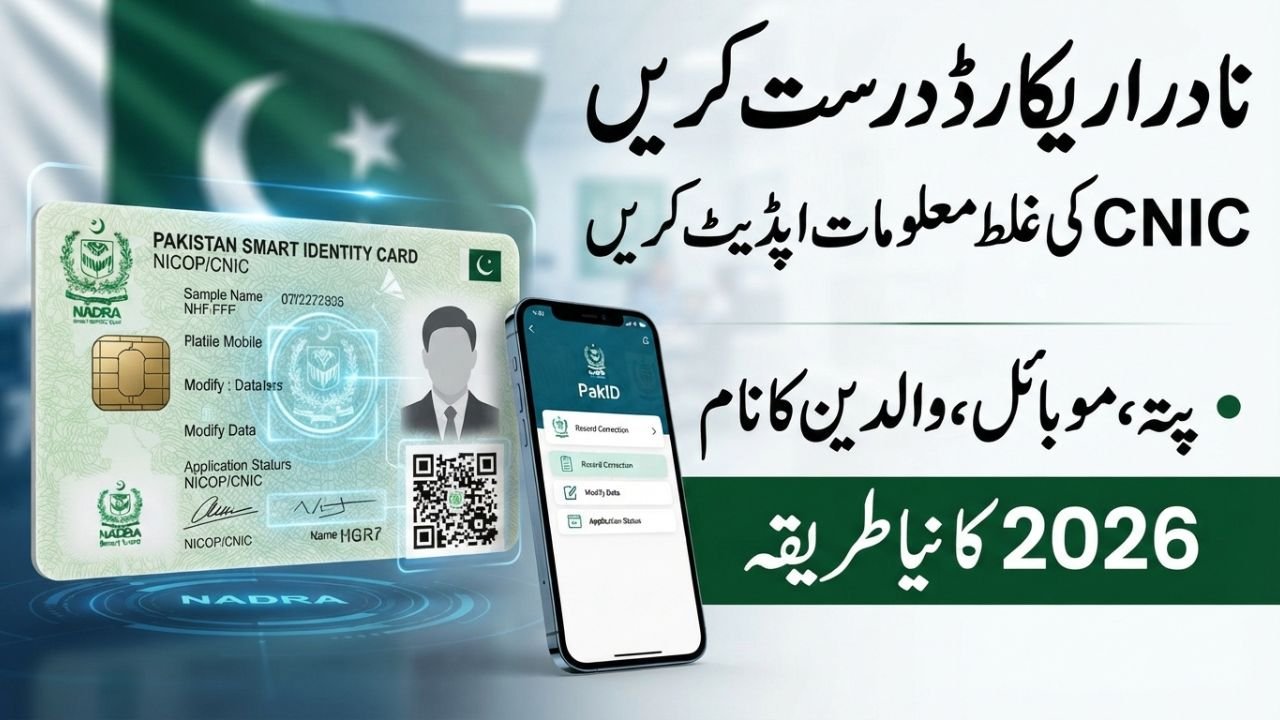
NADRA Record Correction 2026 – Update CNIC Details, Address & Family Record Online
NADRA Record Correction 2026
Keeping your NADRA record accurate is important because your CNIC information is connected with many official services in Pakistan. If your name, address, mobile number, father’s name, mother’s name, or another personal detail is incorrect or outdated, you should request a correction through the official NADRA process.
In 2026, NADRA’s identity services have become increasingly digital. Eligible citizens can use the PakID mobile application for several identity-document services, including CNIC modification, renewal, reprint, and selected updates. However, not every correction can necessarily be completed entirely online. Depending on the nature of the case, NADRA may require additional verification or a visit to a Registration Centre.
NADRA Record Correction 2026: What Has Changed From Previous Years?
NADRA’s digital services have changed significantly compared with the older system. In January 2025, NADRA shifted registration-related services from its website toward the mobile application, making PakID an important platform for accessing identity services.
Since then, the PakID application has received improvements related to application tracking, account management, and digital processing. This means that some older articles and tutorials showing the previous website-based procedure may no longer accurately represent the current process.
In 2026, NADRA’s digital identity framework has continued to develop. Regulatory changes have also supported stronger digital authentication and QR-based identity verification.
For this reason, applicants should not rely blindly on old NADRA tutorials. The safest approach is to follow the latest instructions displayed through the official PakID application and NADRA website.
Also Read ; Interest-Free E-Bikes Scheme 2026
How to Report Incorrect Information in NADRA Records
If you discover incorrect information in your NADRA record, first identify exactly what information needs to be corrected. The issue could involve your address, father’s name, mother’s name, date of birth, marital information, mobile information, or another identity detail.
For eligible modifications, you can check the Modification service available through PakID. NADRA’s official PakID information lists services such as CNIC renewal, modification, reprint/lost-card processing, and selected non-printable-field updates.
If your application cannot be completed online, the system requests additional verification, or your case requires further examination, you may need to visit a NADRA Registration Centre.
How to Contact NADRA About a Record Problem
If the issue involves more than a simple information correction, such as an unresolved application, service complaint, or processing problem, you can use NADRA’s official customer-support channels.
NADRA’s customer-support information lists 1777 as its helpline. Citizens can also use the official complaint system and other support channels provided by NADRA.
Important: Never share your CNIC details, OTP, account password, fingerprints, or other sensitive information with an unknown agent or unofficial website.
How to Correct Wrong Information in NADRA Record
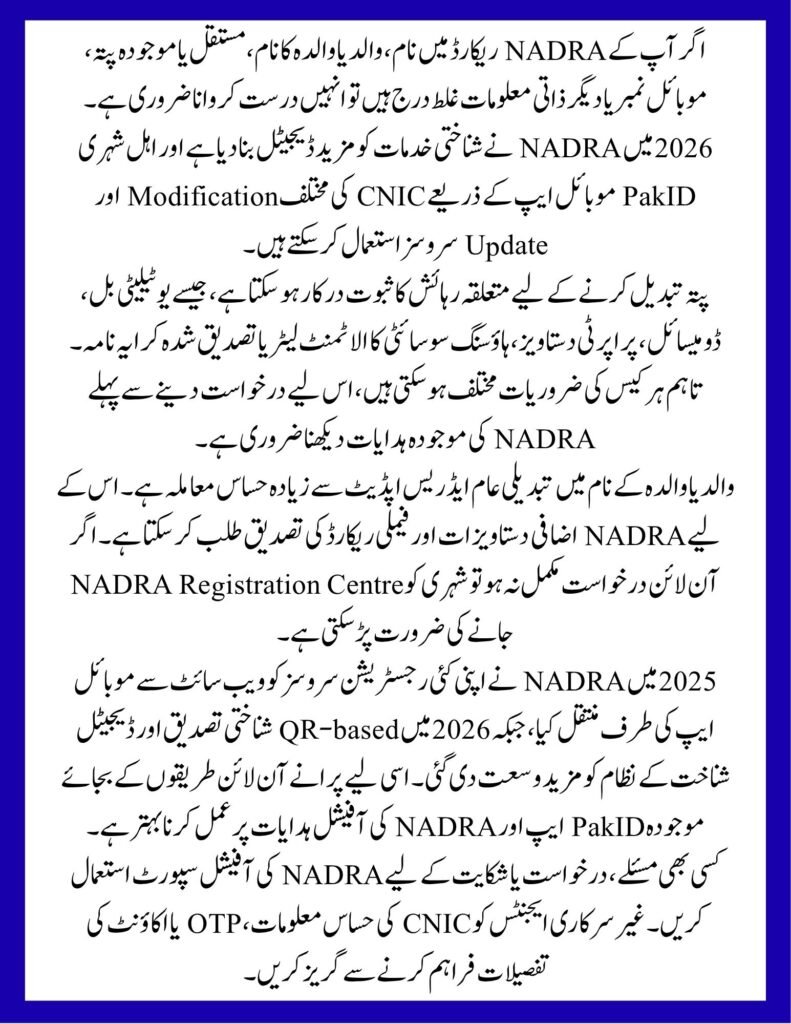
The process for how to correct wrong information in NADRA record depends on the type of mistake. NADRA does not necessarily use the same documents or verification procedure for every type of correction.
Start by checking your existing identity information and clearly identify what needs to be changed. Then select the appropriate modification service and provide supporting documents that establish the correct information.
For example, an address correction may require proof of residence, while a correction involving parent information may require documents supporting the family relationship.
Applicants should provide accurate information and genuine documents. Submitting incorrect information or misleading documents can create additional problems during the verification process.
How to Update NADRA Record in Pakistan
For anyone looking for how to update NADRA record in Pakistan, the PakID mobile application is an important starting point in 2026.
The general process is:
- Open the official NADRA PakID application.
- Sign in to your account or complete the required registration.
- Select the relevant CNIC or identity-document service.
- Choose the available modification or update option.
- Enter the required information carefully.
- Upload supporting documents according to NADRA’s instructions.
- Complete any required biometric, photograph, or verification steps.
- Pay the applicable official fee through the available payment method.
- Submit the application and monitor its status through the available tracking facility.
The exact steps can vary depending on the service and the applicant’s case, so always follow the instructions displayed in the current official application.
How to Correct NADRA Record Online
For people searching how to correct NADRA record online, the process is now mainly associated with the PakID mobile application rather than older website-based procedures.
NADRA moved registration services toward the mobile application in 2025. Therefore, tutorials showing an older website interface may not match the current 2026 process.
However, an online application does not automatically mean that every correction will be completed remotely. NADRA may require biometric verification, additional documents, or a physical visit when the nature of the case requires it.
The instructions shown during your current application should therefore be treated as the most relevant guidance for your case.
offichal website ; https://www.nadra.gov.pk/
How to Change Permanent Address in NADRA Record
If you need how to change permanent address in NADRA record, the first step is to determine which address information needs to be changed and prepare appropriate proof of residence.
Depending on the circumstances, NADRA may accept documents that establish the applicant’s residential address. Reported NADRA guidance in December 2025 included documents such as utility bills, domicile, property documents, housing-society allotment letters, and verified rental agreements as examples of residence evidence.
Applicants should remember that document requirements can vary according to the specific case. Therefore, the current requirements should be checked before submitting an application in 2026.
Documents That May Support a Permanent Address Change
| Document | Possible Purpose |
|---|---|
| Utility bill | Proof of residence |
| Domicile certificate | Residence/address evidence |
| Property document | Ownership or residence evidence |
| Housing society allotment letter | Residential address evidence |
| Verified rental agreement | Proof of rented residence |
These are general examples rather than a guarantee that every document will be accepted in every case. NADRA’s current verification requirements should always be checked before submission.
How to Change Address in NADRA Record Online
For users searching how to change address in NADRA record online, the first option is to check whether the required CNIC modification service is available through PakID.
If the relevant modification is available, you can enter the required information and provide the supporting documents requested by NADRA.
However, if biometric verification, additional documentation, or physical verification is required, NADRA may instruct the applicant to visit a Registration Centre.
This distinction is important: being able to start an application online does not necessarily mean that every case can be completed 100% online.
How to Update Permanent Address in NADRA
When learning how to update permanent address in NADRA, make sure the information entered in the application matches your supporting documents.
Check the spelling of your house number, street, area, tehsil, district, and province before submitting the request. Even a small difference between the application and supporting documents can lead to additional verification.
The main purpose of providing residence documents is to establish that the requested address is genuine and supported by official evidence.
NADRA Address Change Procedure in Pakistan
The NADRA address change procedure in Pakistan can generally be understood through three stages.
Stage 1: Check Your Existing Information
First, determine whether you need to change your permanent address, current address, or another residential detail. Do not assume that every address field has the same purpose.
Stage 2: Prepare Supporting Evidence
Prepare a valid document that supports the address you want to register. The document should contain information that can reasonably establish your connection with the residence.
Stage 3: Submit the Modification Request
Use the eligible modification service through PakID or visit a NADRA Registration Centre if the system requires physical verification.
Address-related guidance reported in late 2025 made the process clearer by highlighting acceptable types of residence evidence. However, applicants in 2026 should still verify the latest requirements before submitting their application.
How to Update Address in NADRA Record
If you are searching how to update address in NADRA record, compare your current NADRA information with your supporting documents before starting the application.
Make sure the address is written consistently across the application and supporting evidence. Carefully review every field before submitting the request.
NADRA is also moving further toward digital identity verification. In August 2026, the authority introduced a chipless National Identity Card using QR-code technology for digital verification.
This development reflects the wider shift toward more modern digital identity services in Pakistan.
How to Change Current Address in NADRA
For how to change current address in NADRA, proof of residence can be particularly important.
If you have moved to a new residence, make sure you select the correct address category when submitting your modification request. Depending on the circumstances, documents such as utility bills, domicile, property papers, housing-society documents, or verified rental agreements may be relevant.
If you are unsure whether your particular document is acceptable, it is better to confirm the requirement with NADRA before submitting the application.
NADRA Address Update Online
People searching for NADRA address update online should use the official PakID platform and avoid unofficial websites offering to make changes on their behalf.
The availability of a particular modification depends on the service and applicant’s circumstances. If the required option is not available online, the applicant should contact NADRA or visit a Registration Centre rather than using an unofficial service.
Be especially careful with websites or social-media accounts that request your CNIC number, OTP, password, or payment information without being an official NADRA channel.
How to Update Mobile Number in NADRA Record
When searching for how to update mobile number in NADRA record, it is important to distinguish between your PakID account mobile number and contact information associated with your identity record.
These two things should not automatically be treated as the same. Your PakID account uses a mobile number and email address for account-related verification, while identity-record modifications are handled through specific NADRA services.
If you need to change contact information associated with your identity record, check whether the relevant non-printable field update or modification service is available through PakID.
How to Change Mobile Number in NADRA
The process for how to change mobile number in NADRA depends on what information you are actually trying to update.
If your old number is no longer accessible, you cannot receive an OTP, or your PakID account has a verification problem, avoid unofficial methods. Contact NADRA through its official support channels for guidance.
Never give your OTP to another person who claims they can update your NADRA information for you. OTPs are used for account and identity verification and should be kept private.
NADRA Mobile Number Update Online
For NADRA mobile number update online, check the current options available in the official PakID application.
The PakID platform provides several digital identity services, including CNIC modification and selected non-printable-field updates. However, the exact availability of a mobile-number-related update can depend on the applicant and the type of information being changed.
If the online option is unavailable, contact NADRA or follow the instructions to complete the process through a Registration Centre.
How to Update Phone Number in NADRA Record
If you want to know how to update phone number in NADRA record, first establish whether you are changing your PakID account number or a contact detail connected with your NADRA identity record.
These processes can have different verification requirements. Changing the phone number used for an account does not necessarily mean that every contact detail in the NADRA identity record has been changed.
Following the correct service category is therefore important to avoid submitting the wrong type of request.
How to Change Father Name in NADRA Record
How to change father name in NADRA record is a more sensitive type of identity correction than a routine address update.
Before submitting a request, determine whether the issue is simply a spelling or typing mistake or whether the underlying family information is incorrect.
NADRA may require supporting documents and family-relationship verification for this type of correction. Depending on the circumstances, additional documentation may also be requested.
If the father’s name issue is connected with a birth record, family registration information, or another underlying civil record, correcting the source record may also be necessary.
What to Check Before Correcting Father’s Name
- Check the information currently shown on your CNIC.
- Compare it with your birth or civil-registration documents.
- Check your Family Registration Certificate information if relevant.
- Identify any differences in spelling or family information.
- Keep relevant supporting documents available.
- Use the official PakID modification service when eligible.
- Visit a NADRA Registration Centre if physical verification is required.
How to Change Mother Name in NADRA Record
The process for how to change mother name in NADRA record also depends on the nature of the error.
A minor spelling mistake is different from a situation where the underlying family relationship or official record needs correction. NADRA may therefore require different supporting evidence depending on the circumstances.
Applicants should compare their mother’s name across relevant official documents and provide authentic evidence supporting the correction.
Keeping information consistent across identity and civil records can make the verification process clearer.
How to Correct Father Name in NADRA
If you are searching how to correct father name in NADRA, first determine whether the problem is a spelling mistake or a more substantial family-record discrepancy.
If your official documents clearly establish the correct father’s name, those documents can be used to support the modification request. NADRA may still require additional verification depending on the case.
Applicants should keep original or officially valid supporting records available rather than relying on unofficial documents.
If the modification cannot be completed through PakID, the appropriate next step is to obtain case-specific guidance from a NADRA Registration Centre.
How to Correct Mother Name in NADRA
For how to correct mother name in NADRA, documentary consistency is particularly important.
If the mother’s name appears differently on your CNIC, birth record, Family Registration Certificate, or other official documents, compare those records before submitting a correction request.
A simple spelling correction may be handled differently from a substantive family-record issue. Therefore, NADRA may request additional evidence or verification depending on the circumstances.
The safest approach is to provide genuine documents and follow the specific instructions given for your case.
2025 vs 2026: Major NADRA Record Update Changes
| Area | 2025 Context | 2026 Context |
|---|---|---|
| Main digital platform | Registration services shifted toward the mobile app | PakID remains the central digital identity platform |
| CNIC modification | Digital modification services available | CNIC modification and selected non-printable updates remain available |
| Application tracking | Tracking facilities improved through PakID | Digital application tracking continues |
| Address correction | Residence-proof guidance reported in December 2025 | Current requirements should be verified through NADRA/PakID |
| Digital identity | Digital services continued expanding | QR-based identity verification further strengthened |
| Identity card technology | Existing CNIC formats remained widely used | Chipless QR-code CNIC introduced in August 2026 |
| Customer support | NADRA complaint channels available | 1777 helpline and official support channels remain available |
The major development in 2025 was NADRA’s move toward mobile-based identity services. In 2026, the focus has continued toward digital identity, QR-based verification, stronger authentication, and more modern identity-document technology.
NADRA Record Correction 2026: Important Facts and Figures
| Fact | 2026 Information |
|---|---|
| Registered citizens | 223,368,118 |
| Registered males | 116,208,750 |
| Registered females | 107,159,368 |
| Inland Registration Centres | 977 |
| Mobile Registration Vans | 237 |
| Centres abroad | 10 |
| Mega Centres | 15 |
| NADRA employees | 24,000+ |
| Official helpline | 1777 |
| Main digital identity platform | PakID Mobile App |
NADRA’s published statistics show these figures as updated on 31 August 2026.
Important Note for NADRA Record Correction
Always use official NADRA channels when requesting a record correction. Never submit fake documents, deliberately incorrect information, or another person’s identity information.
NADRA’s digital identity system is also moving toward stronger verification. In 2026, regulatory developments supported QR-based identity verification, while NADRA introduced a locally manufactured chipless QR-code National Identity Card.
If you are unsure about an application, verification requirement, correction procedure, or complaint, contact NADRA through its official support channels, including 1777.
Most importantly, do not share your OTP, account password, fingerprints, or sensitive identity information with an unofficial agent.
Frequently Asked Questions
Can I correct NADRA information online in 2026?
Eligible CNIC modifications and selected updates can be initiated through the PakID mobile application. However, NADRA may require additional verification or a visit to a Registration Centre for specific cases.
Can I change my address through PakID?
If the relevant modification service is available for your case, you may be able to initiate an address change through PakID. Supporting residence documents and additional verification may be required.
Can I change my father’s or mother’s name online?
Parent information is sensitive family data. A modification request may be initiated through available PakID services, but NADRA can require supporting documents and additional verification. Therefore, not every parent-name correction should be assumed to be completely online.
What if NADRA does not accept my correction request?
If your application is rejected or you have an unresolved issue, contact NADRA support, use the 1777 helpline, or submit a complaint through the official NADRA complaint channel.
Is the old NADRA website procedure still valid?
NADRA shifted registration services toward the mobile application in 2025. Therefore, applicants should follow the latest official PakID instructions rather than relying on outdated website-based tutorials.
Final Words
Keeping your NADRA record accurate can prevent problems with identity verification and other official services. If your address, mobile information, father’s name, mother’s name, or another personal detail has changed or is incorrect, use the proper NADRA correction process instead of relying on unofficial agents.
The period from 2025 to 2026 has seen a significant move toward a more digital identity system. The PakID mobile application, online modification services, application tracking, QR-based verification, and stronger authentication are important parts of this transition.
The most important point for 2026 is to follow the latest official NADRA and PakID instructions. Service availability, documentation, fees, and verification requirements can vary depending on the type of correction and the applicant’s circumstances.